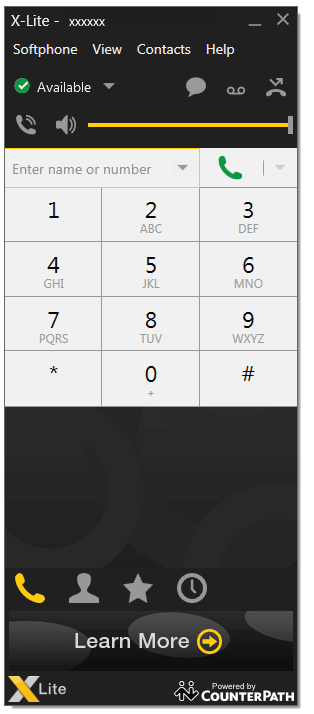
X-Lite for Windows Setup
Estimated Reading Time: < 1 Minute1. Download X-Lite here
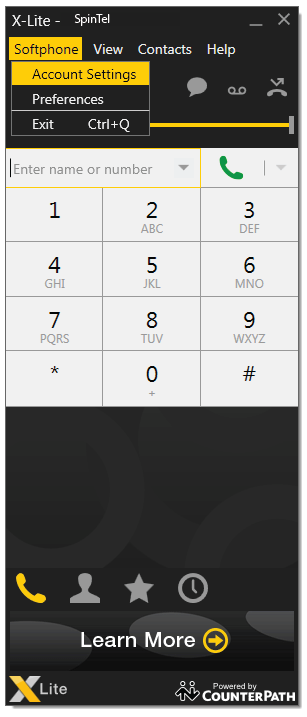
2. Open "Softphone - Account settings"
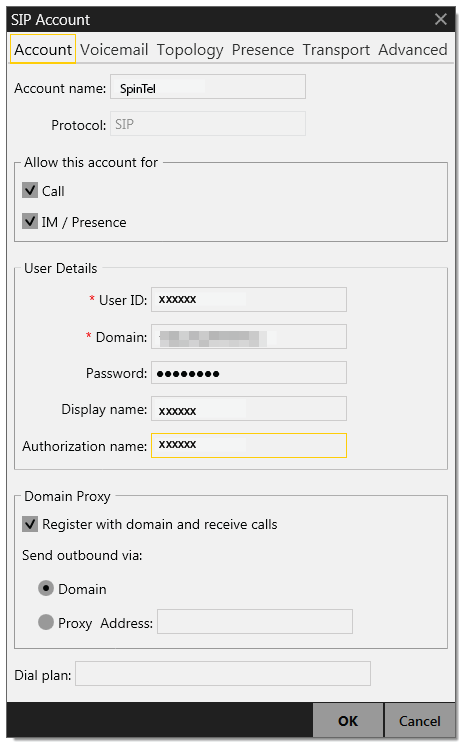
3. Enter the following:
Account name: Spintel
User ID: Your SIP number (xxxxxx)
Domain: 203.23.236.96
Password: Your SIP password
Display Name: Your SIP number (xxxxxx)
Authorization name: Your SIP number (xxxxxx)
4. Softphone status is "Available", and you can make calls.