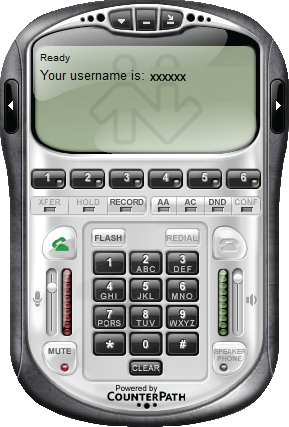
Eye Beam for Windows Setup
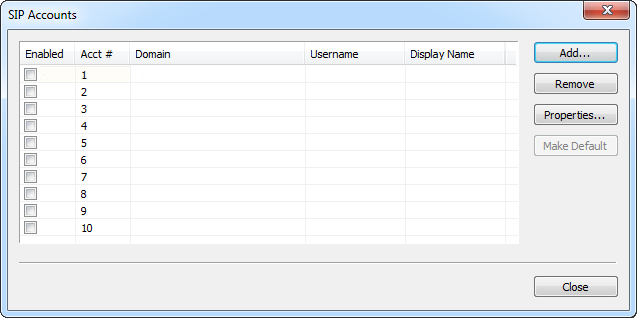
Estimated Reading Time: < 1 Minute1. After the Eyebeam first launch, add an account in an open window. Click "Add".
2. Enter the following settings:
Display Name:Â (Your SIP number)
User Name: (Your SIP number)
Password: (Your SIP number password)
Domain: 203.23.236.96
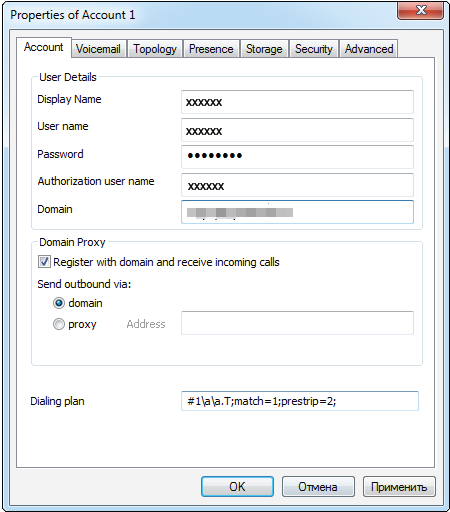
Click "OK"
3. Account is added, click "Close"
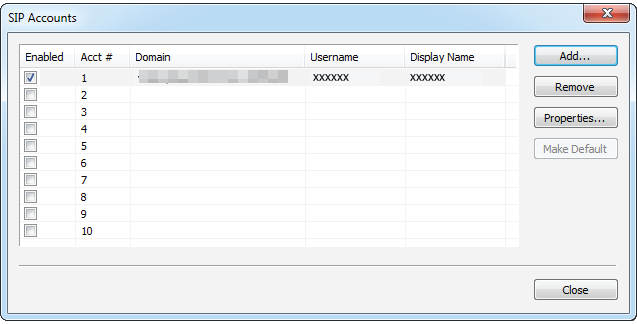
4. Registration is successful, and you can make calls.