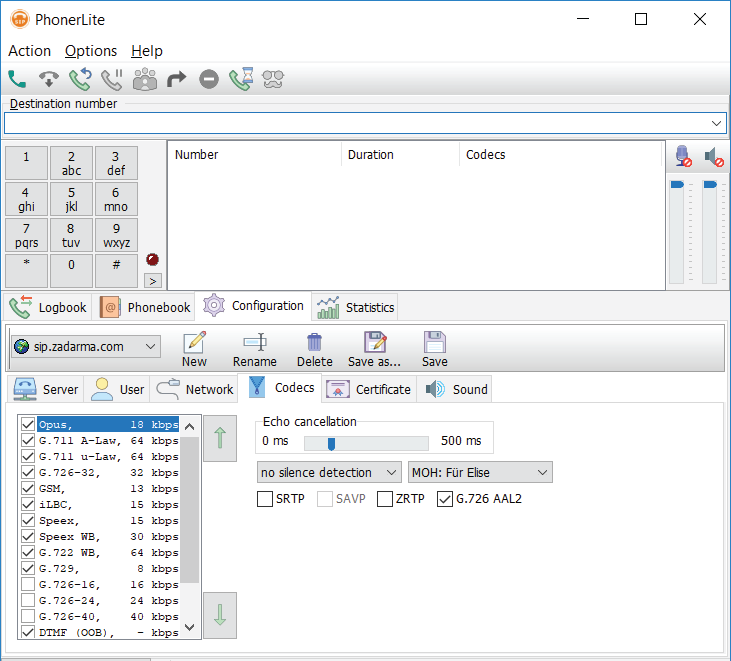
Phoner Lite for Windows Setup
Estimated Reading Time: < 1 MinuteDownload PhonerLite here
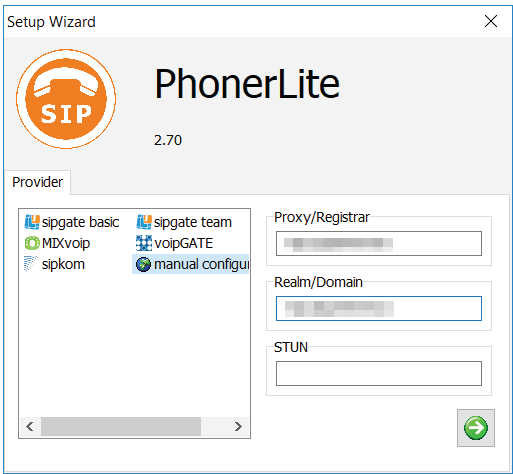
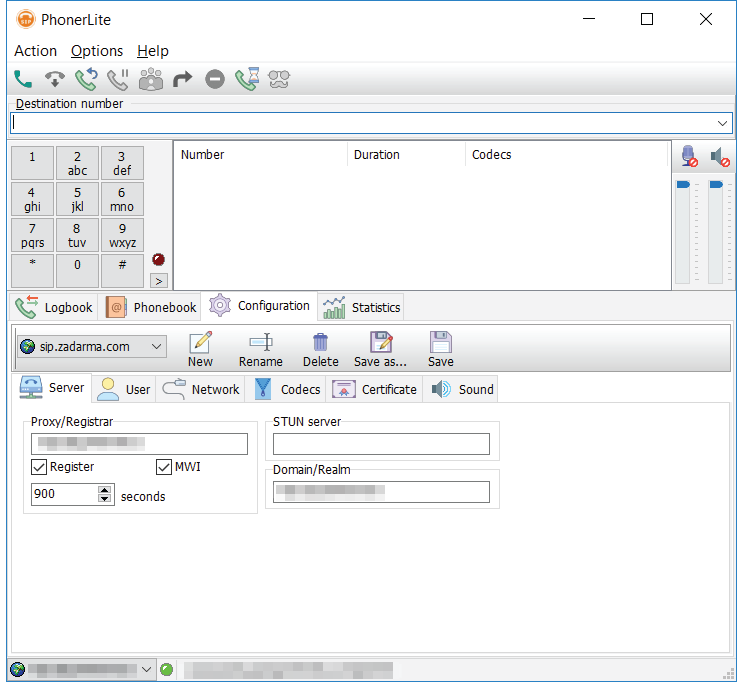
1. Enter the following settings in the Setup Wizard:
Proxy/Registrar: 203.23.236.96
Realm/Domain: 203.23.236.96
STUN: leave blank
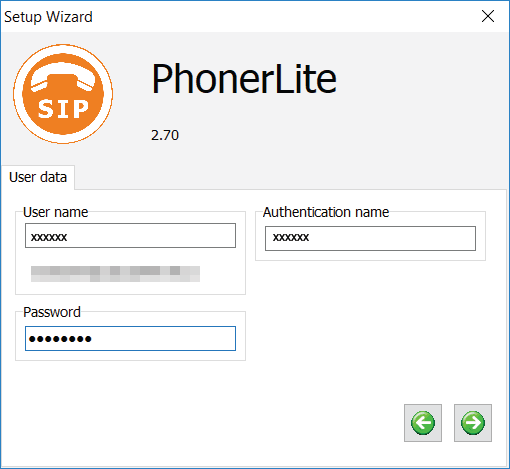
2. User data:
Username: Your SIP number (xxxxxx)
Login: Your SIP number (xxxxxx)
Password: Your SIP password
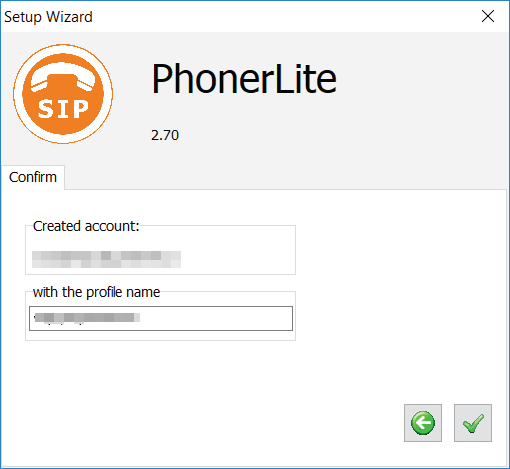
3. Complete settings:
Keep a default profile name or enter your own.
When first launching Phonerlite, a message from Windows Firewall might pop up. Press the "Allow access" button.
4. PhonerLite is ready for use.
Enter the phone number and click on the button with a green phone image to make a call.
Â
If you need to enter additional settings, click on "Configuration".