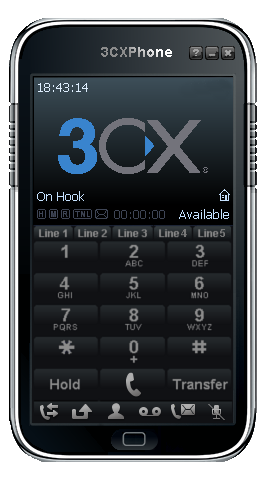
3CX Phone for Windows Setup
Estimated Reading Time: < 1 Minute1. Download 3CXPhone here and install it. We recommend that you use version 6.
2. After successful registration, launch the 3CXPhone. To create an account, click on "Create Profile".
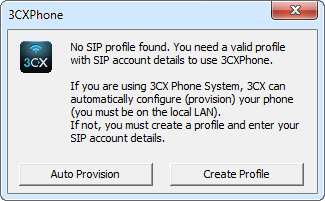
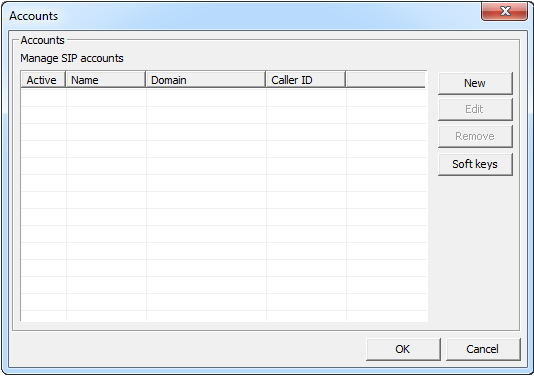
3. To create a new account, click on "New".
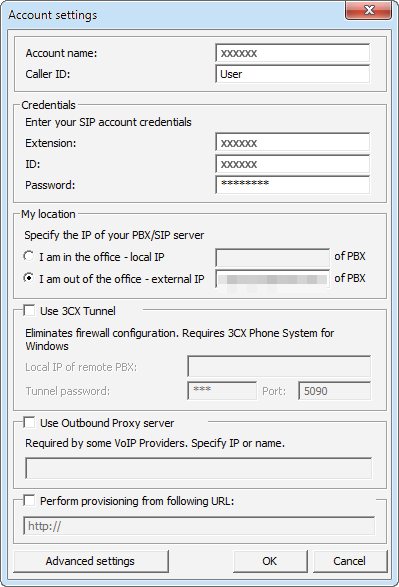
4. Under account settings, enter the following:
Account name: Your SIP number
Extension: Your SIP number
ID: Your SIP number
Password: Your SIP number password
External IP: 203.23.236.96
Â
5. If settings were configured correctly, your status will become On Hook