
How to Reschedule an Appointment via My Account
Estimated Reading Time: 1 MinutesYou can reschedule your appointment online through My Account.
Follow the instructions below depending on the type of appointment. Note: Same-day rescheduling is not allowed. Appointment must be moved to a future date.
Rescheduling an Installation Appointment
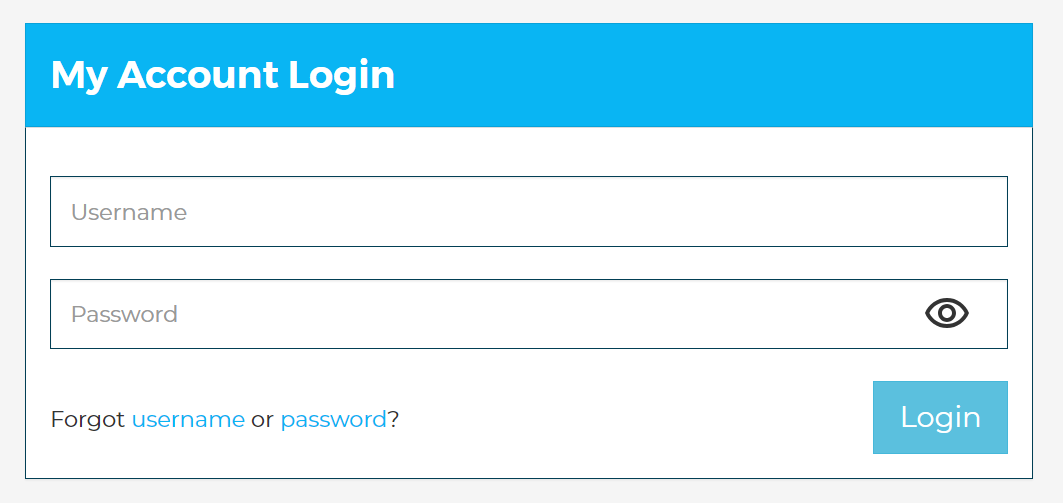
1. Go to https://www.spintel.net.au/my-account/login and log in using your My Account username and password.
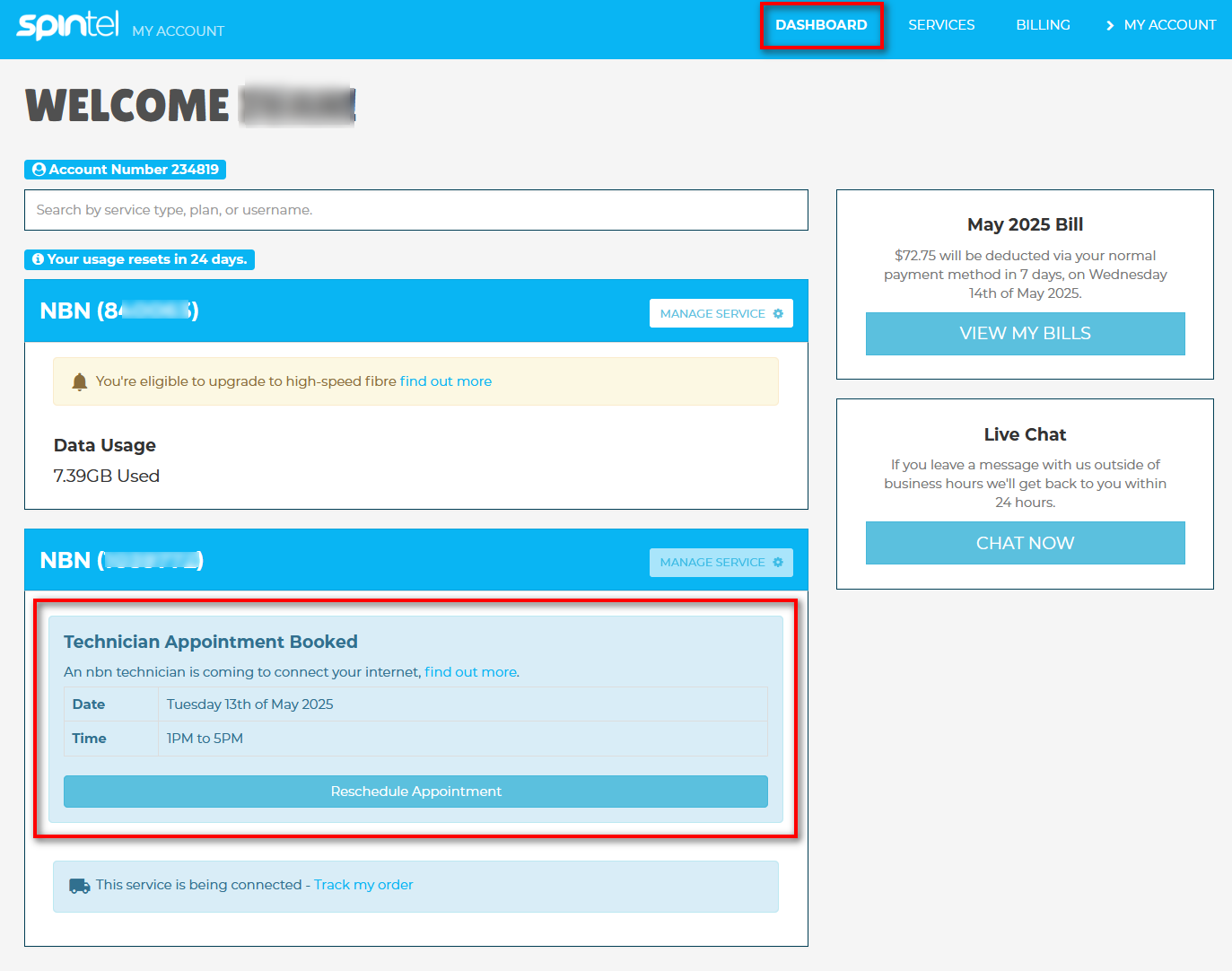
2. From the Dashboard, find the NBN service that has the upcoming installation appointment.
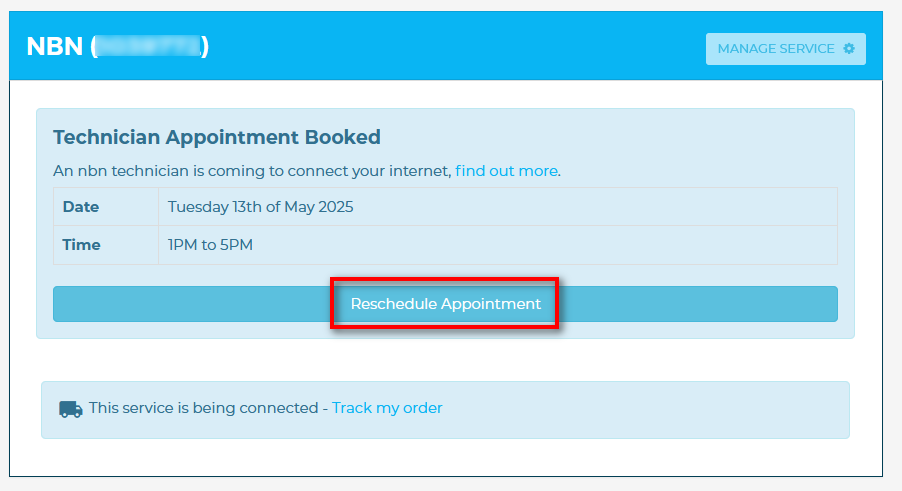
3. Click Reschedule Appointment. A new window will open displaying available appointment dates.
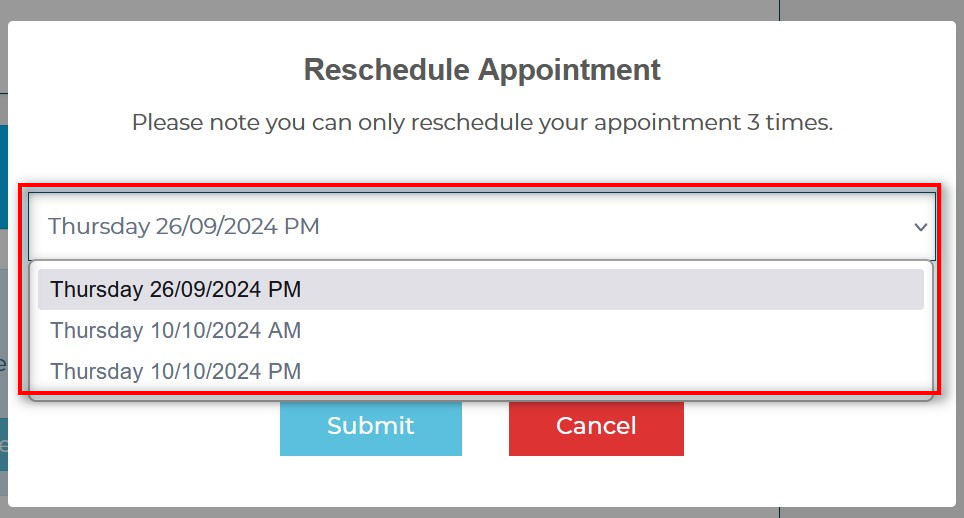
4. Select a new date and time that best suits your schedule from the available options.
5. Click Submit to confirm the rescheduling request. You will receive a confirmation email shortly with the updated appointment details.
Rescheduling a Fault / Technician Appointment
1. Go to https://www.spintel.net.au/my-account/login and log in using your My Account username and password.
2. From the Dashboard, find the service linked to your fault or technician appointment.
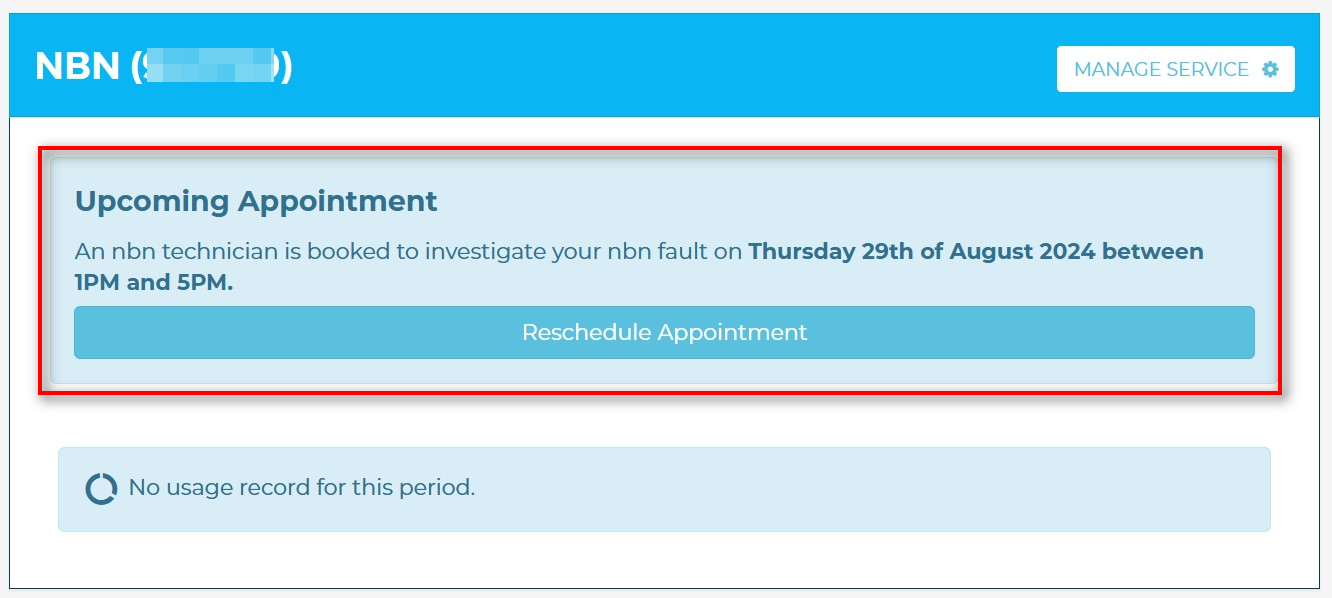
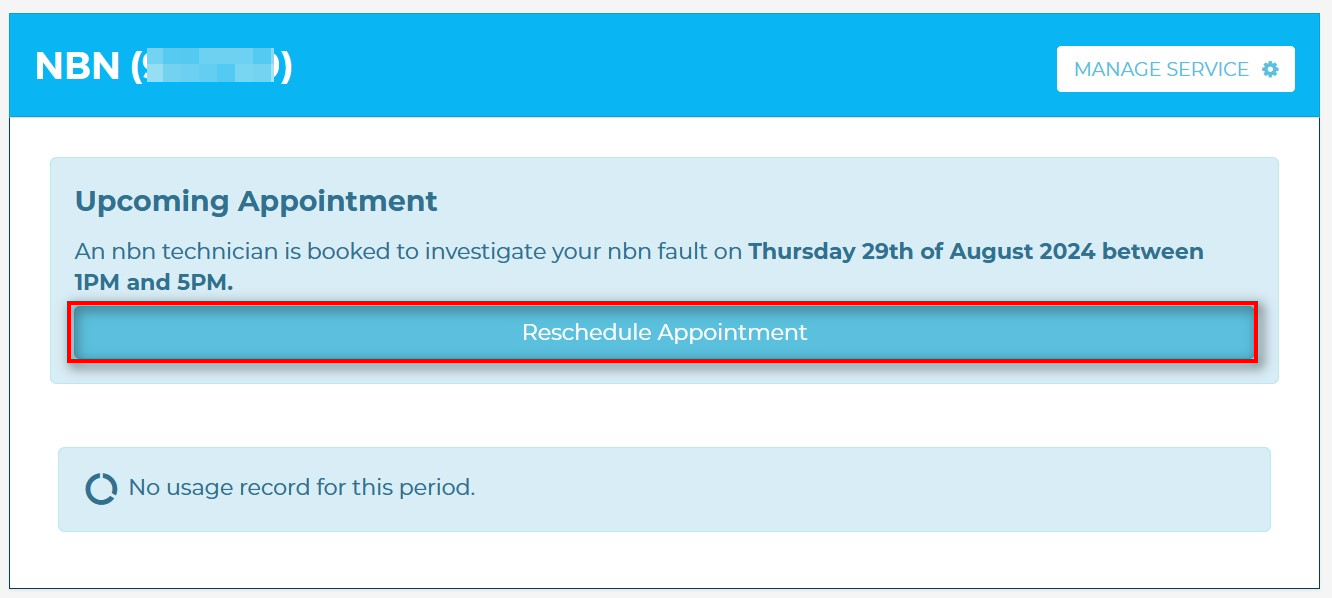
3. Click Reschedule Appointment.
A new window will open displaying available appointment dates.
4. Select an available date and time suitable for you.
5. Click Submit to finalise the reschedule request. A confirmation email will be sent with your updated appointment information.
Important Notes
- Appointment availability depends on the technician's schedule in your area.
- If the Reschedule Appointment option is unavailable or you encounter issues, please contact us for assistance.